How to opt in to Louisiana Helpr text alerts
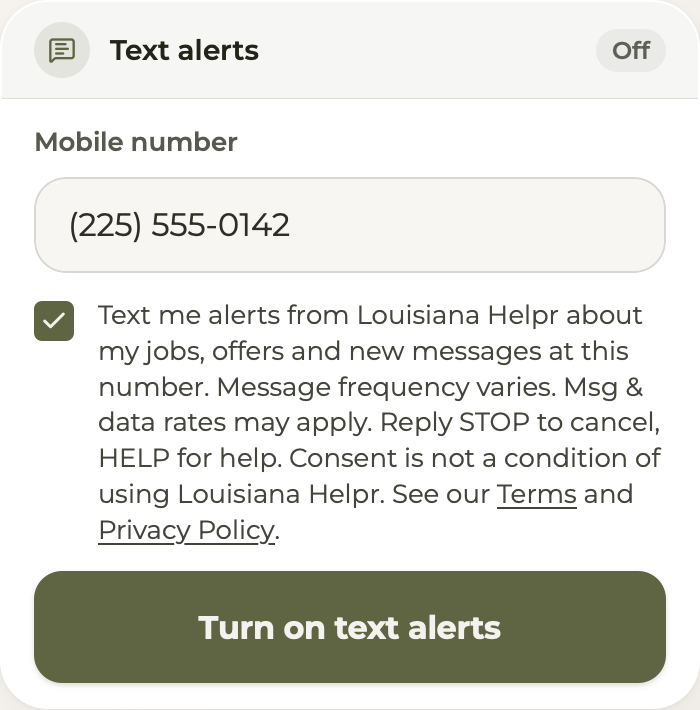
Signed-in members turn on text alerts in Profile, Notifications, Text alerts: they type their mobile number and tick the consent box, which is never pre-checked and is not a condition of using Louisiana Helpr.
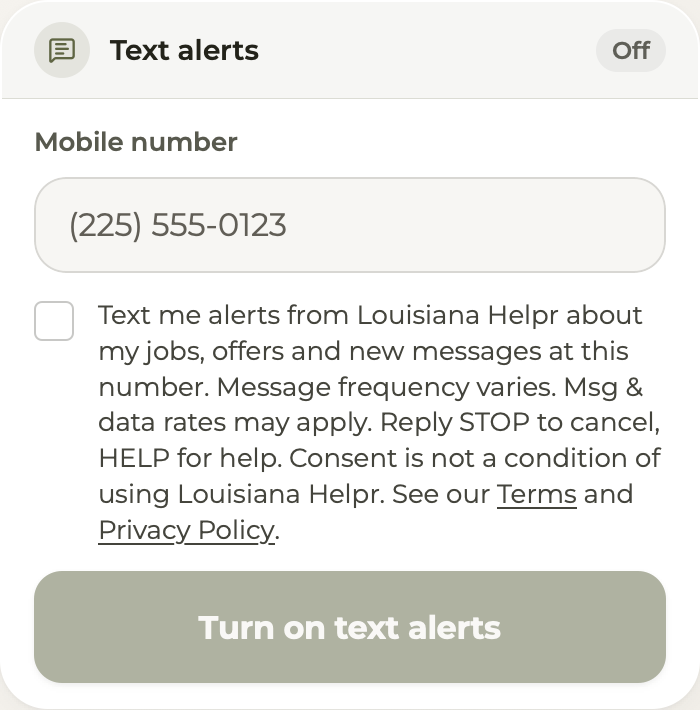
The box reads: Text me alerts from Louisiana Helpr about my jobs, offers and new messages at this number. Message frequency varies. Msg & data rates may apply. Reply STOP to cancel, HELP for help. Consent is not a condition of using Louisiana Helpr. See our Terms and Privacy Policy.
Once the member ticks the box and taps Turn on text alerts, Louisiana Helpr sends one confirmation text; alerts start only after the member replies YES with the 4-digit code in that text (for example, YES 1234). Reply STOP to cancel or HELP for help.
Read the Terms of Service (SMS Terms) and the Privacy Policy (Text messages).